

Digital Advertising Opportunities
At the Minnesota Star Tribune, we provide state-of-the-art in-house digital marketing solutions through our owned-and-operated (O&O) on StarTribune.com and beyond. We tailor it to your specific needs and increase your web presence, expanding your customer base and revenue.
Standard Display Ads
300x250 (Medium Rectangle)
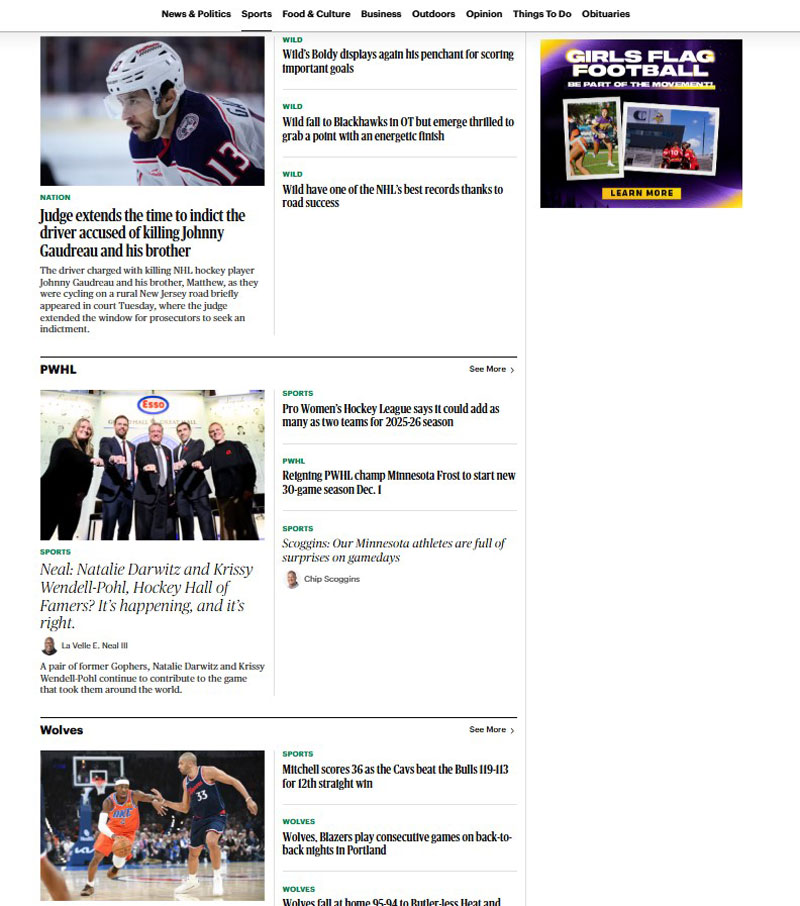
- Dimensions: 300×250
- File Size: 150kb
- Name: Medium Rectangle
300×600 (Half Page Banner)
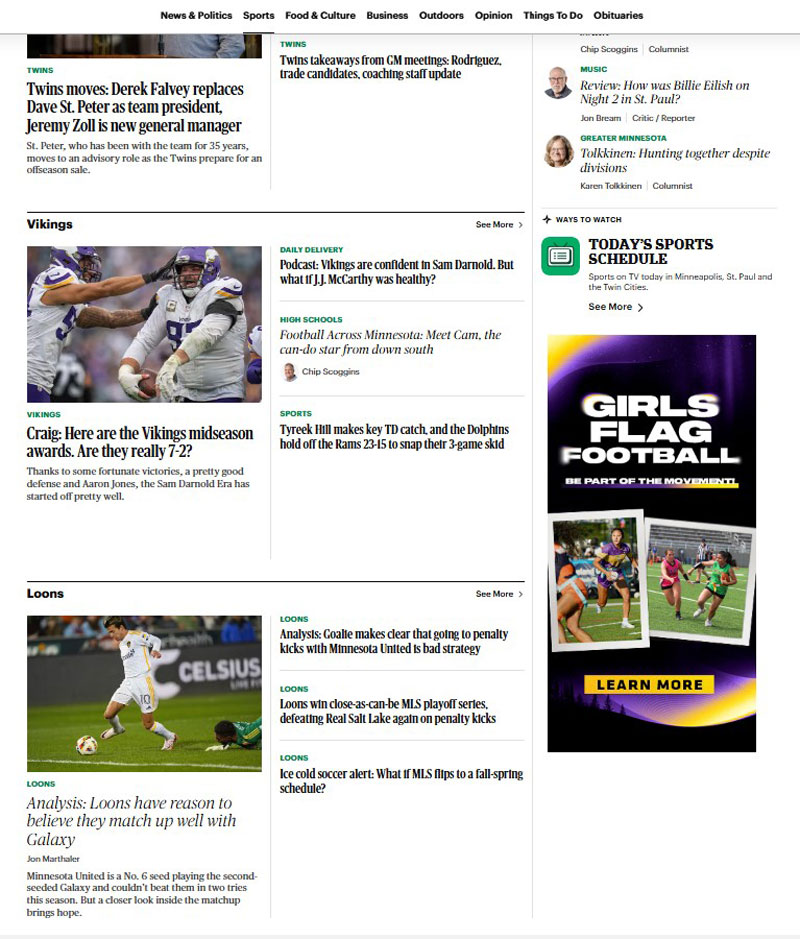
- Dimensions: 300×600
- File Size: 150kb
- Name: Half Page Banner
320×50 (Mobile Leaderboard)

- Dimensions: 320×50
- File Size: 150kb
- Name: Mobile Leaderboard (or Mobile Adhesion)
*Serves on Mobile only.
300×50 (Mobile Banner)
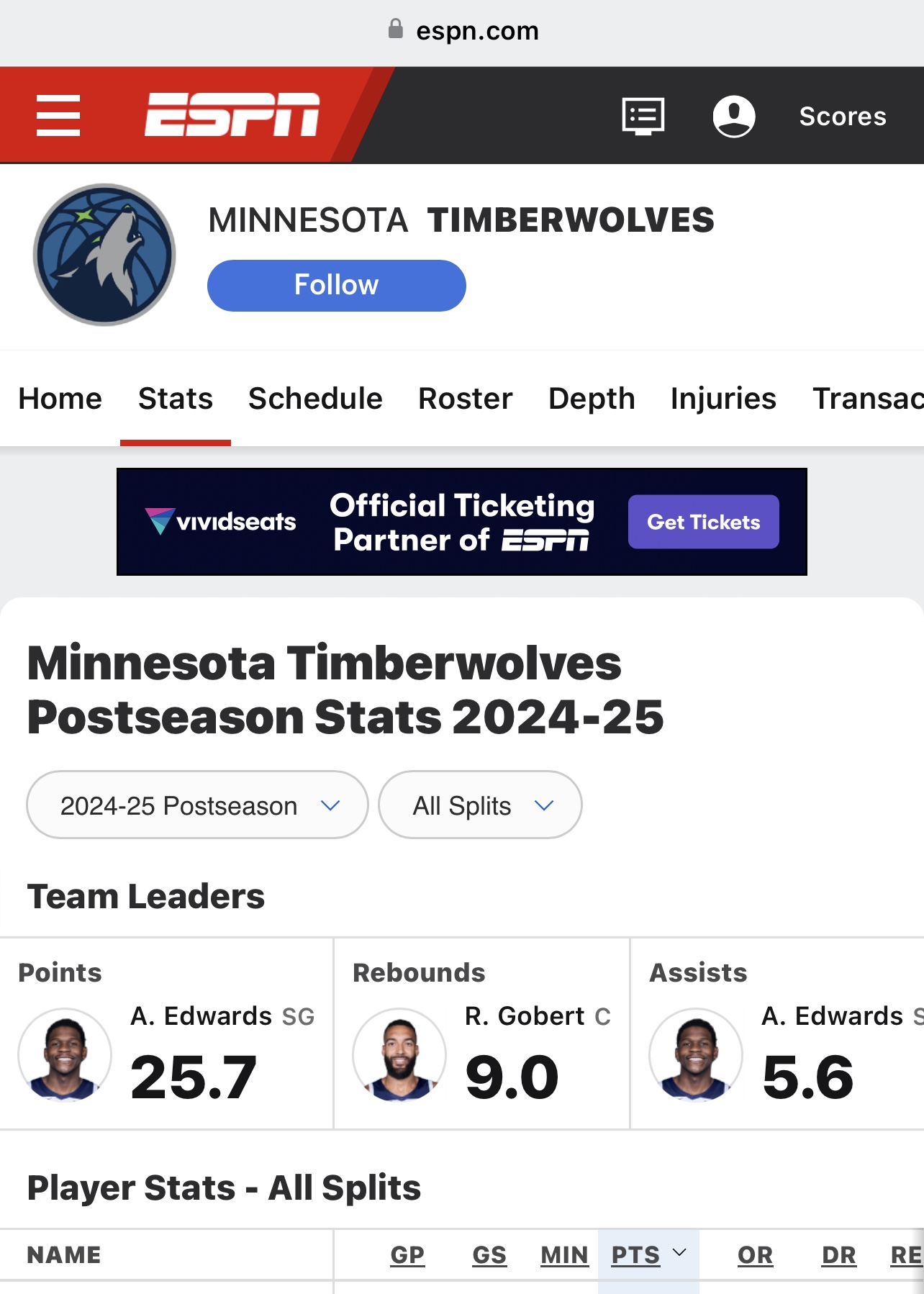
- Dimensions: 300×50
- File Size: 150kb
- Name: Mobile Banner
*Serves on Mobile only.
728×90 (Leaderboard)

- Dimensions: 728×90
- File Size: 150kb
- Name: Leaderboard
160×600 (Wide Sky)
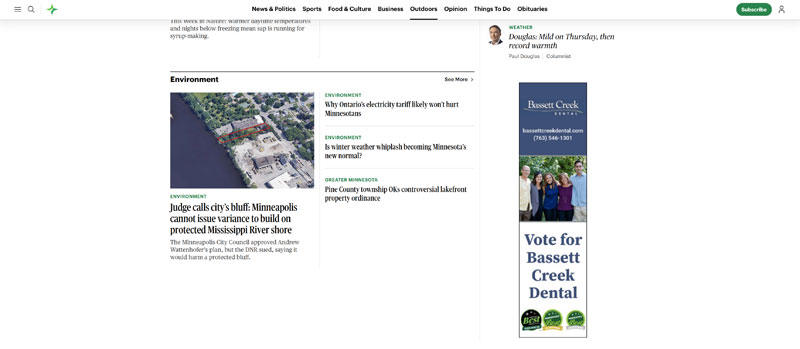
- Dimensions: 160×600
- File Size: 150kb
- Name: Wide Sky
Guidelines for Display Ads
General requirement for all online display ads:
- File Type: JPG, GIF, PNG, HTML5, or 3rd party ad tag
- The Minnesota Star Tribune requests that all rich media creative be sent and built in HTML5.
- All banners with a white background must have a non-white border of 1 pixel
- Banners may loop 3 times or animate for 30 seconds, whichever is less
- Click-through URLs may not exceed 512 characters
- Audio must be user initiated by click and requires an on/off button. Ad will load with audio turned off. Expanding panels are the exception – audio may play after a 2 second delay when expanded, audio must stop when expanding panel is closed.
- Companies supplying creative should submit creative 3 business days prior to placement
- We accept customer provided ads (3rd party tag) from other vendors compliant to our guidelines
- Creative must not auto-download additional media, spawn additional ads, or ask the user to download plug-ins
- The Minnesota Star Tribune reserves the right to approve or decline an ad campaign if delivery of site content or user experience is compromised. All ad materials must be compliant with The Minnesota Star Tribune ad acceptability standards and guidelines
Premium Display Ads
970x90 (Super Leaderboard)
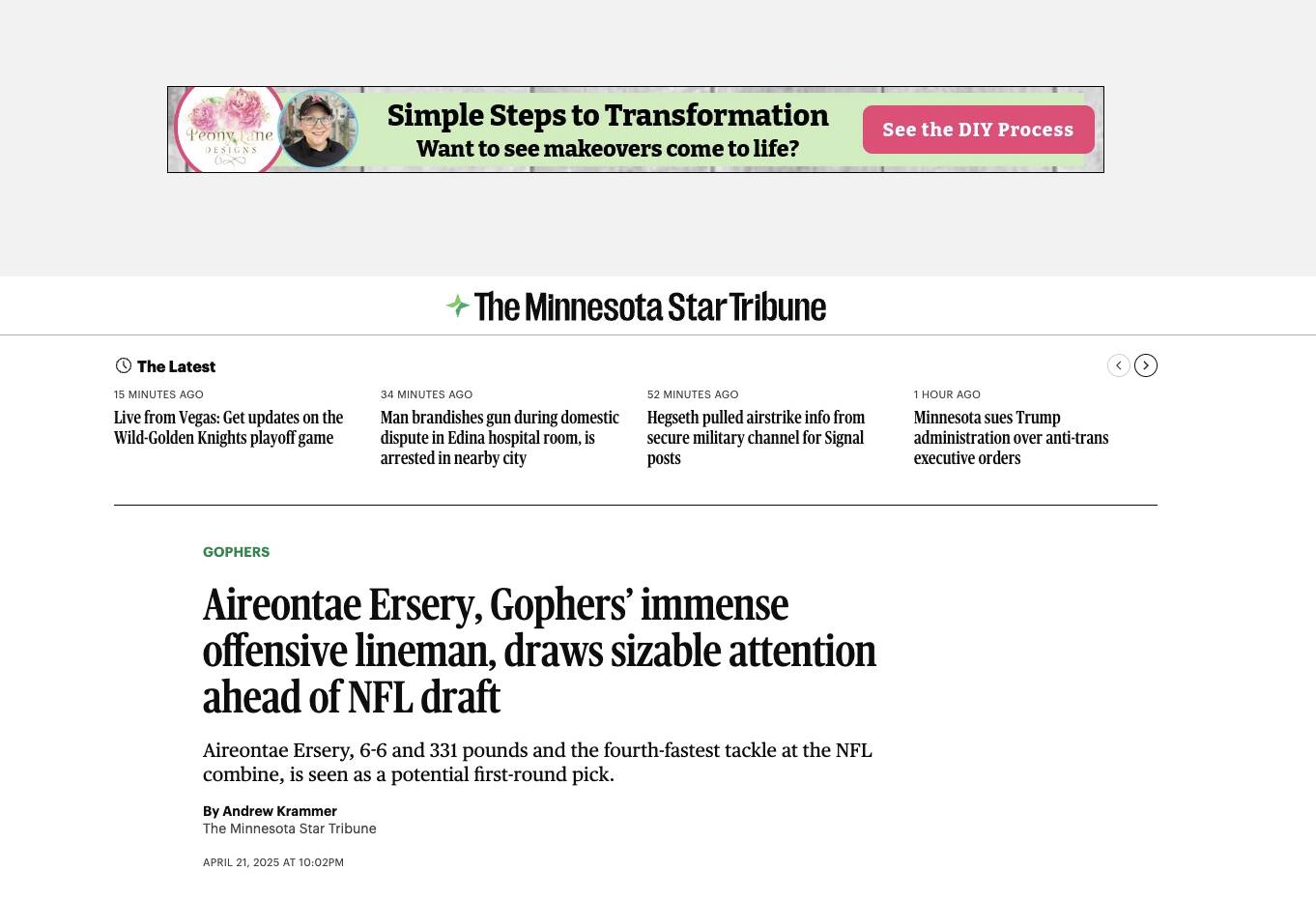
- Dimensions: 970×90
- File Size: 150kb
- Name: Super Leaderboard
970x250 (Billboard)
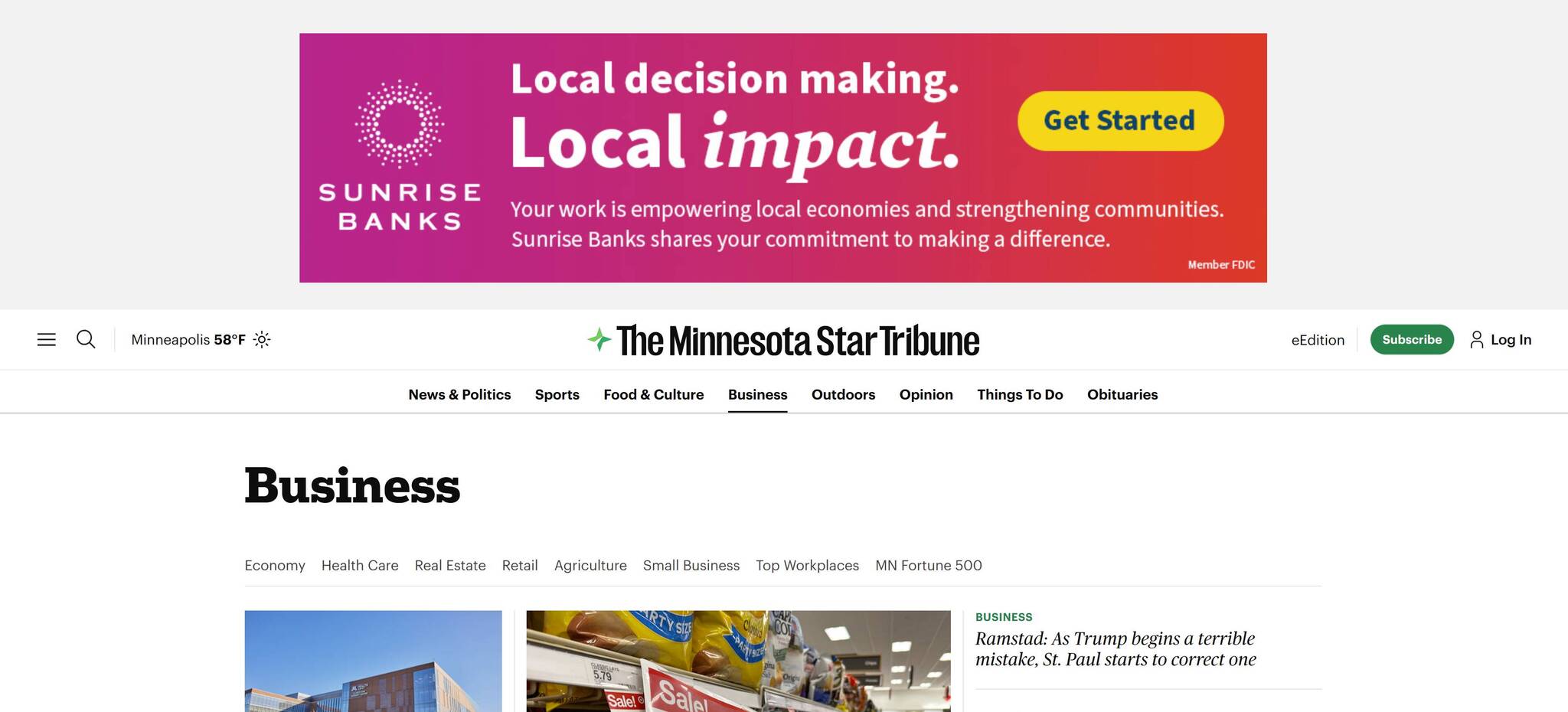
- Dimensions: 970×250
- File Size: 150kb
- Name: Billboard
1663x300 (Super Billboard)
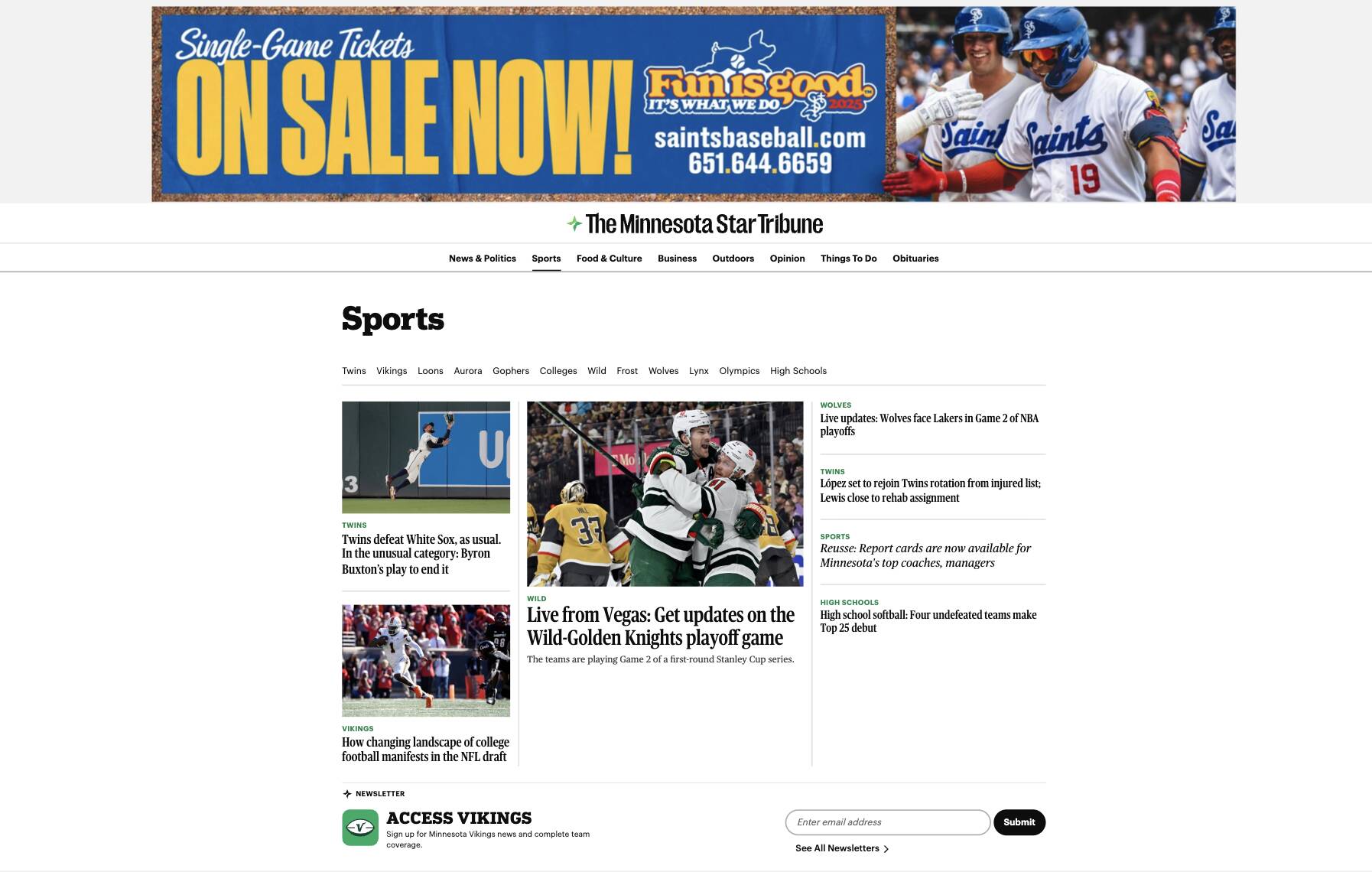
- Dimensions: 1663×300
- File Size: 300kb
- Name: Super Billboard
300x1050 (Portrait)
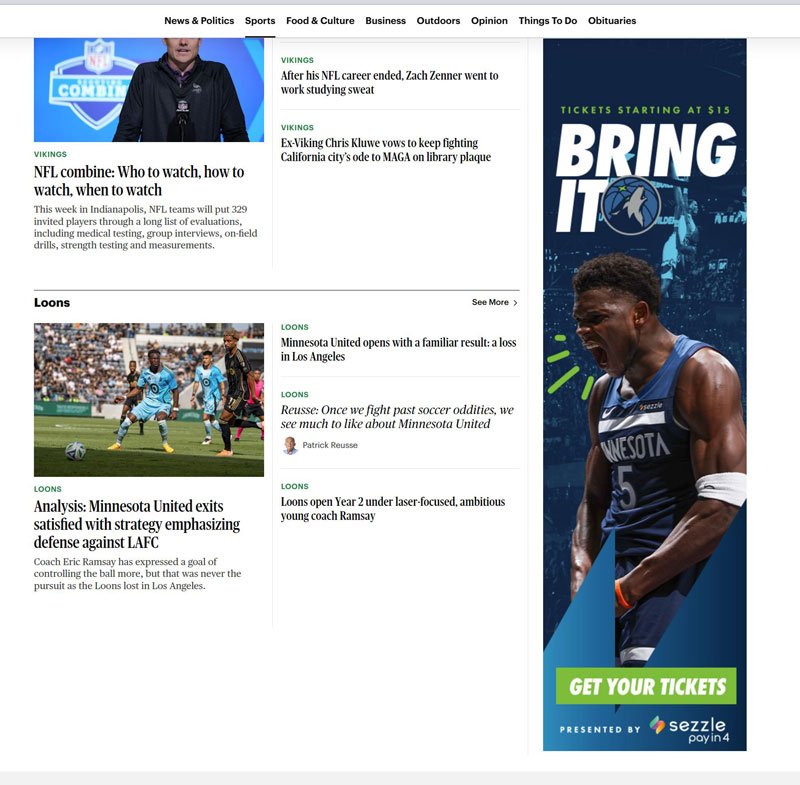
- Dimensions: 300×1050
- File Size: 200kb
- Name: Portrait
525x250 (In-Stream Article Banner)
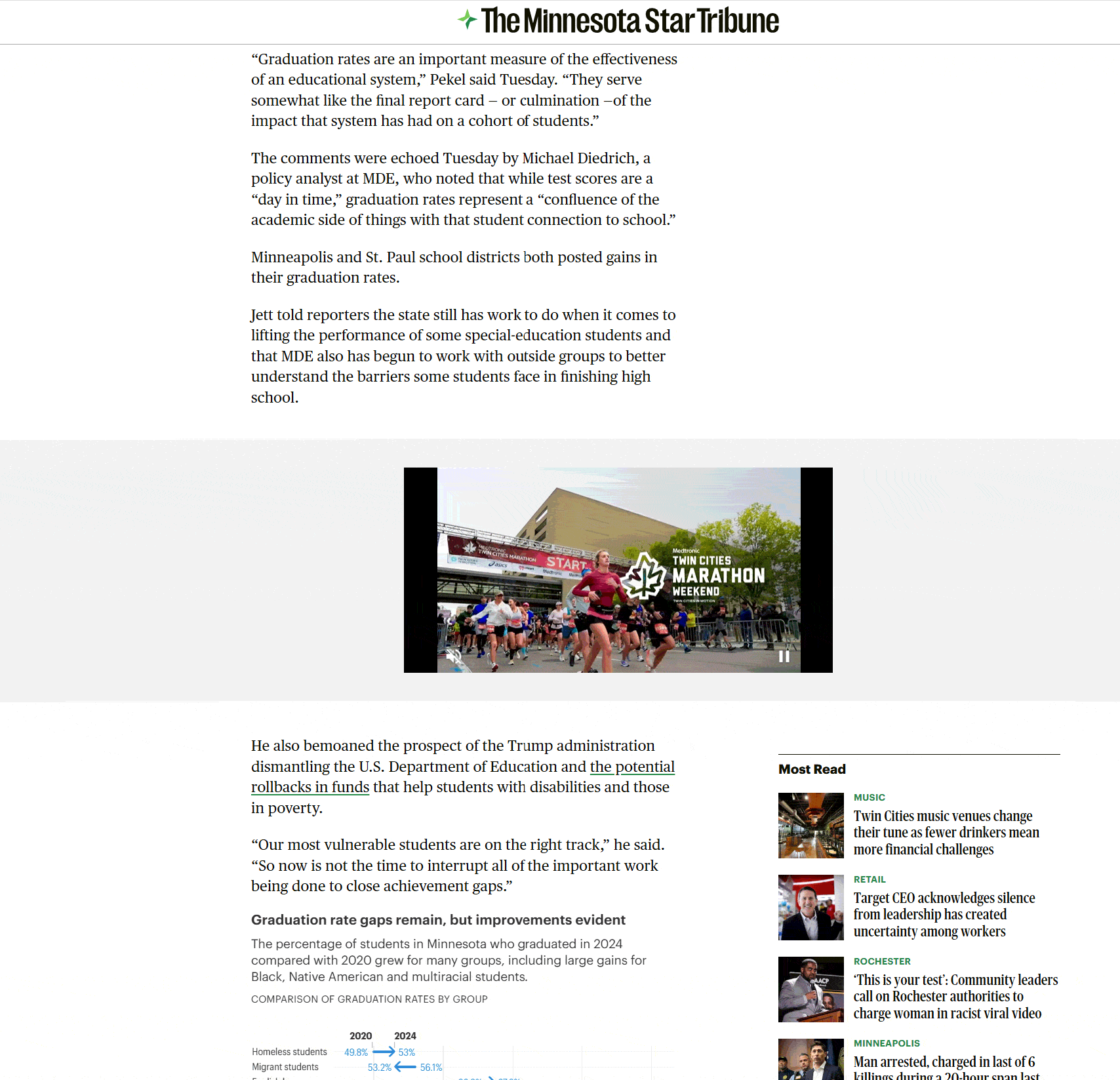
- Dimensions: 525×250
- File Size: 150kb
- Name: In-Stream Article Banner
Guidelines for HTML5
HTML5 creative should follow the same digital advertising specifications as other Standard and Rich Media creative developed for The Minnesota Star Tribune.
File Size for all ad types
- 150kb initial load
- 200kb polite load
- 2MB with in-banner Video (user hosted only)
- File Size is measured after all code and assets are stored to a .zip file. The .zip file must include ALL assets and reference code such as JavaScript libraries and Web Fonts. Javascript libraries and Web fonts can be called from another location but are considered as part of the overall file size.
Assets Requirement:
- All creative assets (images, code, etc.) should be submitted in a single .zip file.
- The .zip file must include all referenced code
- Once the .zip is uncompressed, the ad must be viewable without a network connection.
- The HTML5 creative must include the complete HTML document that includes at least one click tag and can load into an iFrame
- Do not include any .zip files or unreferenced files within your HTML5 .zip file.
- HTML5 assets should not use local or session storage.
- Do not include backup assets in your HTML5 .zip file unless they’re referenced by the HTML file.
- HTML text or webfonts should be used whenever possible to reduce file weight, improve readability, scalability and accessibility. Fonts may be stored in the ad package as an asset.
- Minimize file count within the zip document to decrease the overall deliverable file size. The more files a creative needs to load in order to render will lead to increased user-perceived latency.
- Supported file types and limits for your .zip file: HTML, HTM, JS, CSS, JPG, JPEG, GIF, PNG, JSON, XML, and SVG.
Click Tags:
- Ads must use the clickTag variable as the click destination..
- The URL will be added in the ad-serving platform—do not hardcode the URL. Hard-coded click-throughs
- URLs cannot be recorded by the ad server.
- All required clickTags must be placed within the HTML file without minification or obfuscation.
- When multiple .html files are included, the click tag variable must be present in the first .html file that loads.
Sample ClickTag insertion:
<html>
<head>
<meta name=”ad.size” content=”width=300,height=250”>
<script type=”text/javascript”>
var clickTag = “%%CLICK_URL_UNESC%%%%DEST_URL%%”;//This value is used
by the ad server and should not be changed
</script>
</head>
[The rest of your creative code goes here.]
</html>
Ensure your creative uses the clickTag variable as the click-through URL:
<a href=”javascript:window.open(window.clickTag)”>
<img src=”images/dclk.png” border=0>
</a>
Or place it in a container by making use of events:
<div onclick=”window.open(window.clickTag);”>
<img src=”images/dclk.png” border=0>
</div>
• In instances of multiple clickthrough urls in the same ad, enumerate click tags as follows:
clickTag0, clickTag1, clickTag2
• Set the target attribute to “_blank” so the click destination opens in a new window or tab
• Ad dimensions must match placement dimensions to avoid distortion unless the ad is specifically designed to be
responsive.
• Ad dimensions should be defined within the <head> using the <meta> tag with the name “ad.size”
For example,
<meta name=”ad.size” content=”width=300,height=250”>
• To prevent code conflicts with the pub site the use of wrapping Javascript and CSS in closures or
namespaces is recommended
Special Positions
E-Edition Medium Rectangle
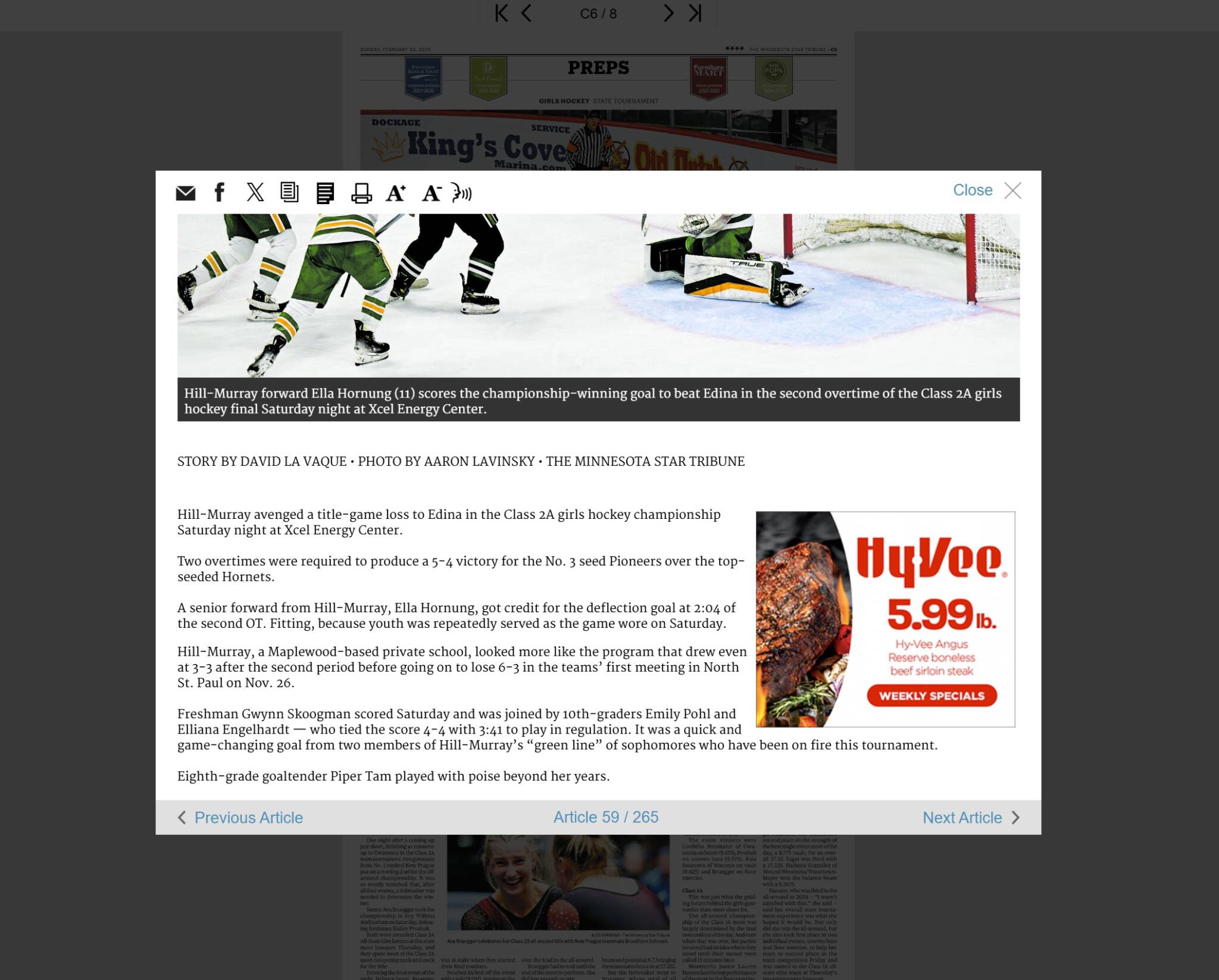
- Dimensions: 300×250
- File Size: 150kb
E-Edition Digital Insert
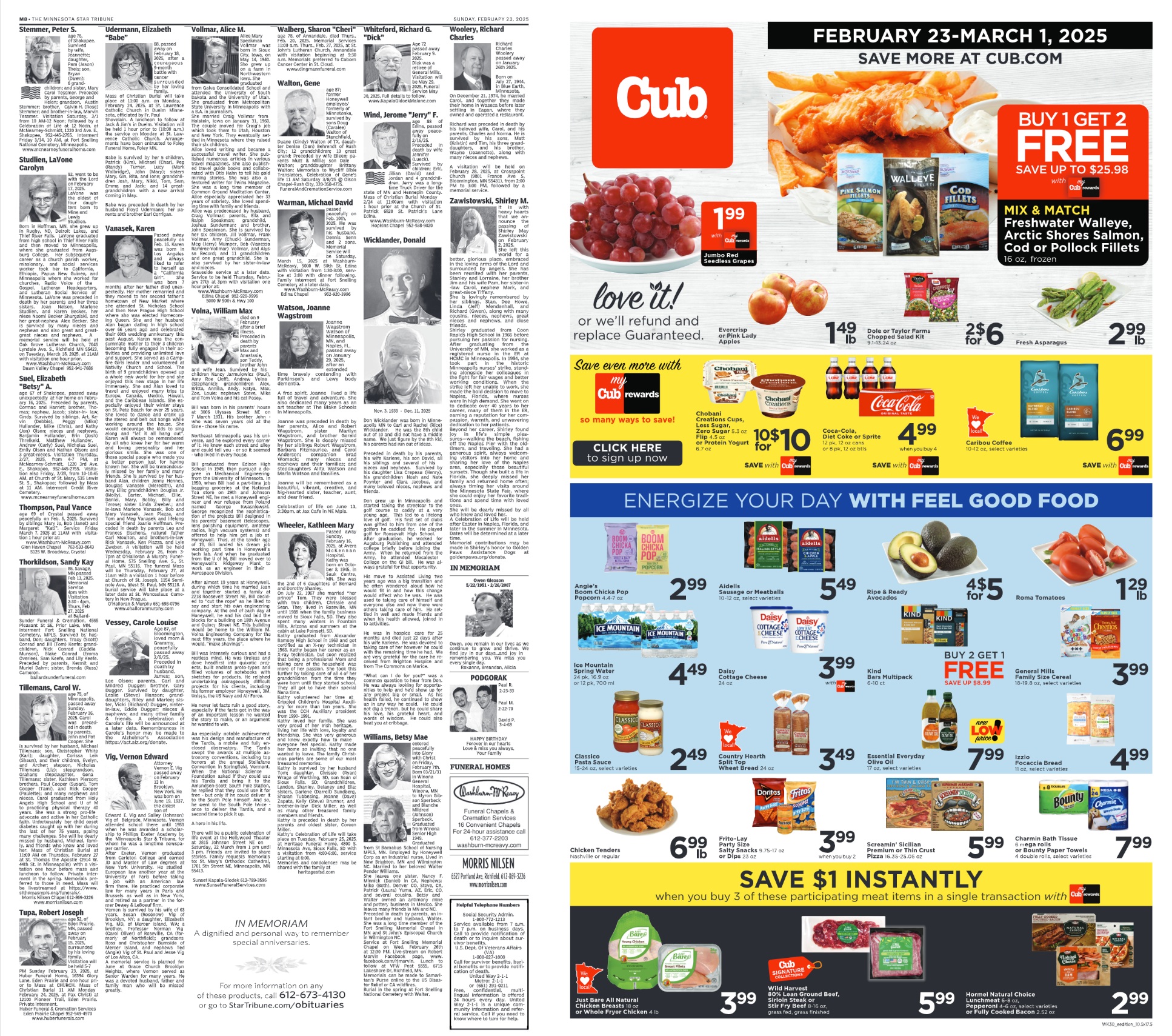
- Dimensions: 10.47″ x 20/5″
- File Size: PDF
Homepage Billboard

-
Desktop Dimensions: 970×250 or 1663×300
-
Tablet Dimensions: 300×250
-
Includes Mobile Adhesion: 320×50
Section Front Billboard
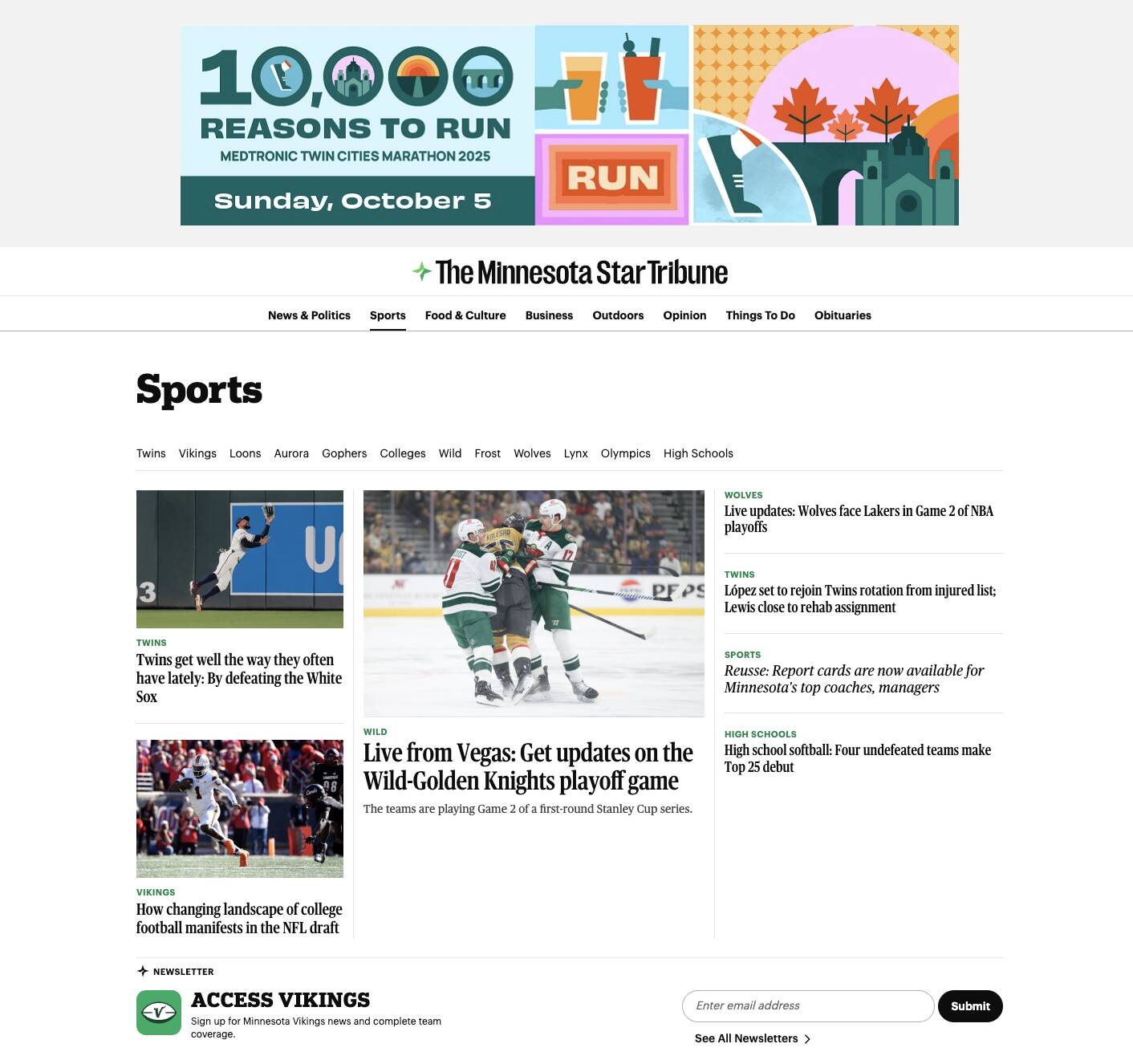
-
Desktop Dimensions: 970×250 or 1663×300
-
Tablet Dimensions: 300×250
-
Includes Mobile Adhesion: 320×50
Section Front Wallpaper
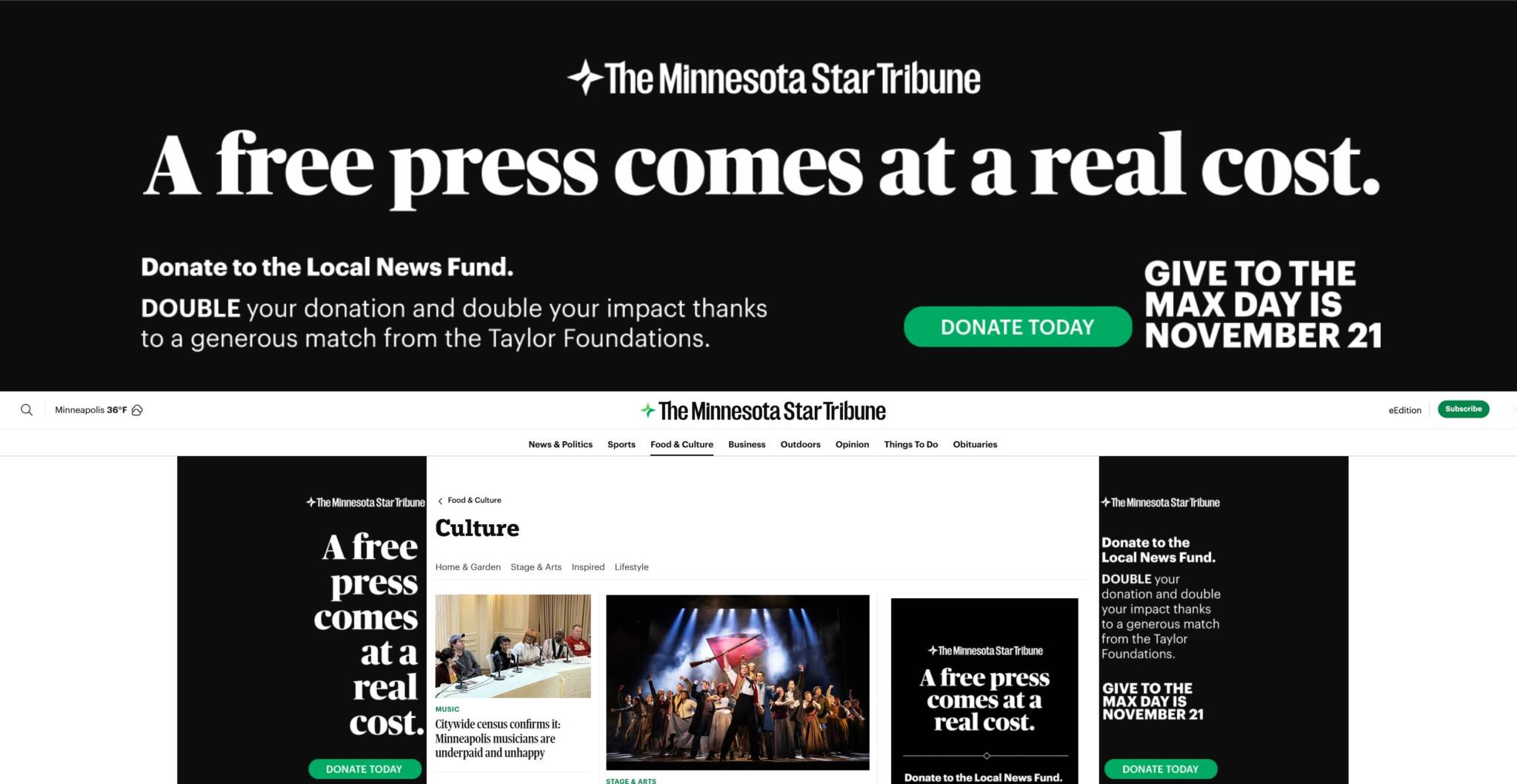
-
Full page takeover served from the top ad position on desktop that includes a Collapsible Super Billboard with affixed left and right gutter ads. Includes 320×50 adhesion ad on mobile. Also, may include 300×600 and/or 970×250 companion ads (optional). Serves only on section fronts
-
Dimensions:
-
Sticky Super Billboard
-
Expanded Background: 1920×480
-
Content Safe Area: 1500×480
-
-
Collapsed Background: 1920×150
-
Content Safe Area: 1500×150
-
-
-
Wallpaper Gutters
-
Background: 400×1200
-
Content Safe Area: 200×500, with 10px of empty padding on the side that will be closest to the content
-
-
-
Supported Files:
-
Photoshop: Layered, organized PSD files with breakpoints to allow for additional interactive animation and responsive scaling.
-
Fonts: .otf, .ttf
-
-
Best Practices
-
Keep branding and messaging in “content safe area” boundaries with background separated.
-
-
-
Additional Banners:
-
Mobile Adhesion
-
320×50
-
-
Companion Ads (optional)
-
300×600 and/or 970×250, depending on the section front
-
-
File Type: JPG, GIF, PNG, HTML5, or 3rd party ad tag
-
-
Due Date: All assets must be in hand 10 days prior to the first date of the campaign flight.
Top Stories Roadblock
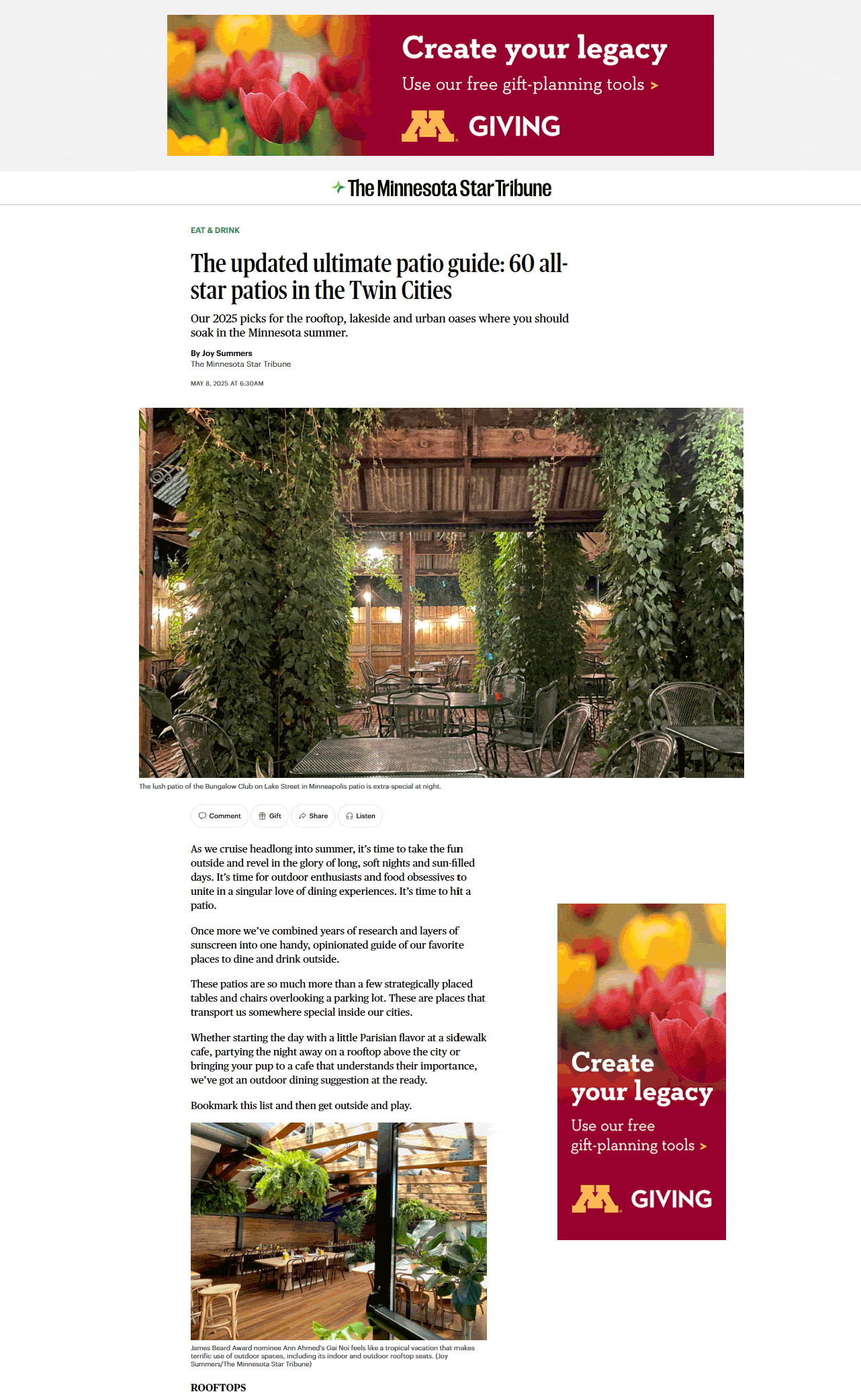
- Desktop: 970×250 or 1663×300
- Tablet: 300×600 or 300×250
*100% SOV of top ad units for the current most read 4 stories of the day across all devices
Content Breaker
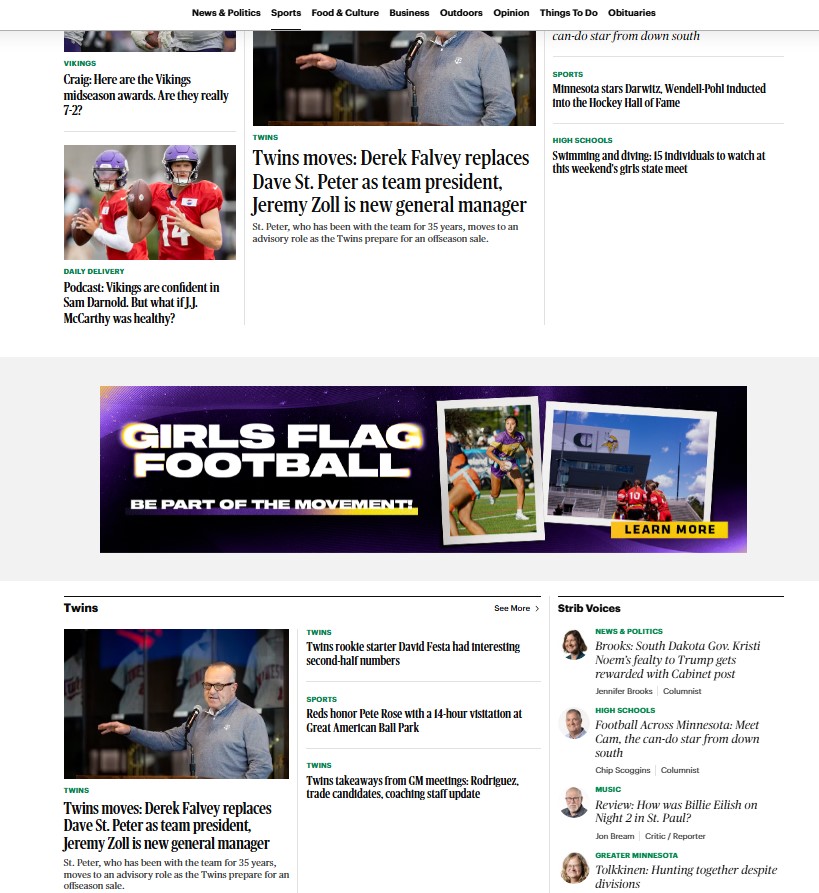
- Desktop: 970×250 or 1663×300 or
- Tablet: 300×600 or 300×250 or
- Mobile: 300x250 or 300×600
*This inline unit breaks content on section fronts and story pages across all devices
Expanding Content Breaker
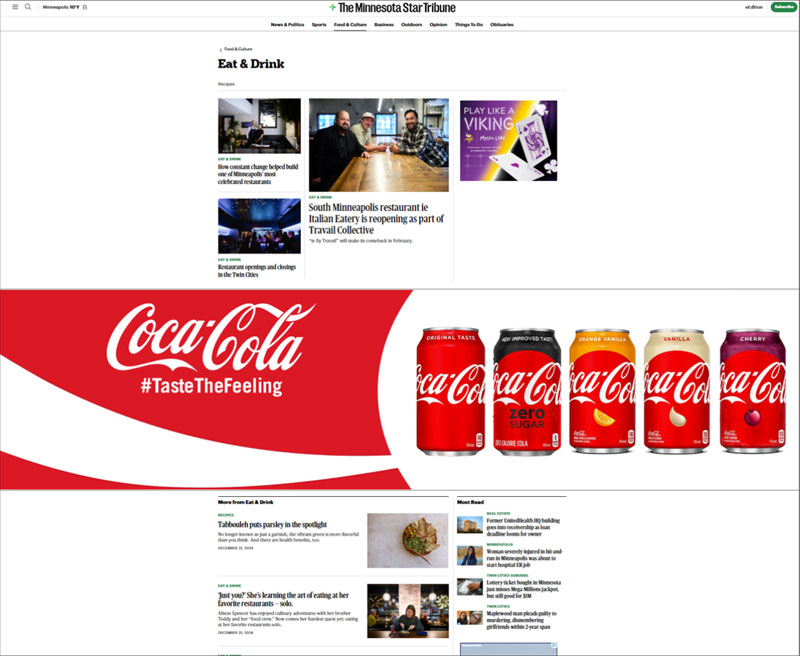
This inline unit starts in collapsed state then enlarges on scroll.
Dimensions
- Expanded Area:
-
- Background: 1600 x 500
-
- Content Safe Area: 900×300
-
- While the expanded area is 1600 x 500, the most important information should be 900 x 300 to be viewable on the majority of screen sizes and displays. Animations can be outside of the 900 x 300 area, but should not be the most important information in the ad.
- Collapsed Area:
-
- Background: 1600 x 100
-
- Content Safe Area: 900×100
- Supported Files
-
- Photoshop: Layered, organized PSD files to allow for additional interactive animation and responsive scaling; Separate branding and messaging from background image.
-
- Images: .jpg, .png, .tif
-
- Logos: .svg, .eps
-
- Fonts: .otf, .tt
Overlay

- Desktop/Tablet:640×480
Mobile Browser & Newsreader App
Mobile Adhesion

- Dimension: 320×50
- File Size: 150kb
- File Type: JPG, GIF, PNG, HTML5, or 3rd party ad tag
Mobile Article Top Exclusive
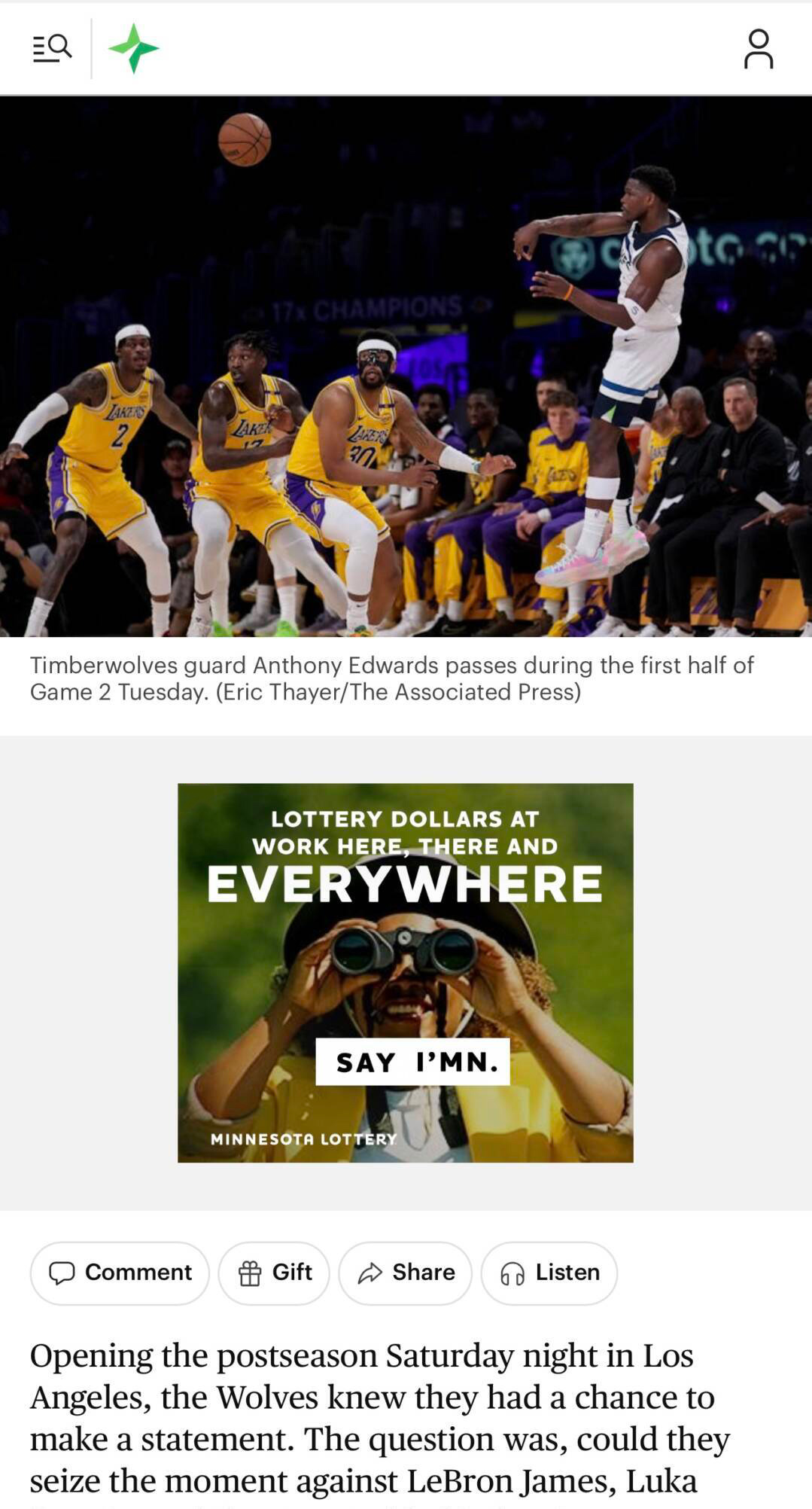
- Dimension: 300×250
- File Size: 150kb
- File Type: JPG, GIF, PNG, HTML5, or 3rd party ad tag
Mobile First Full-Page Homepage
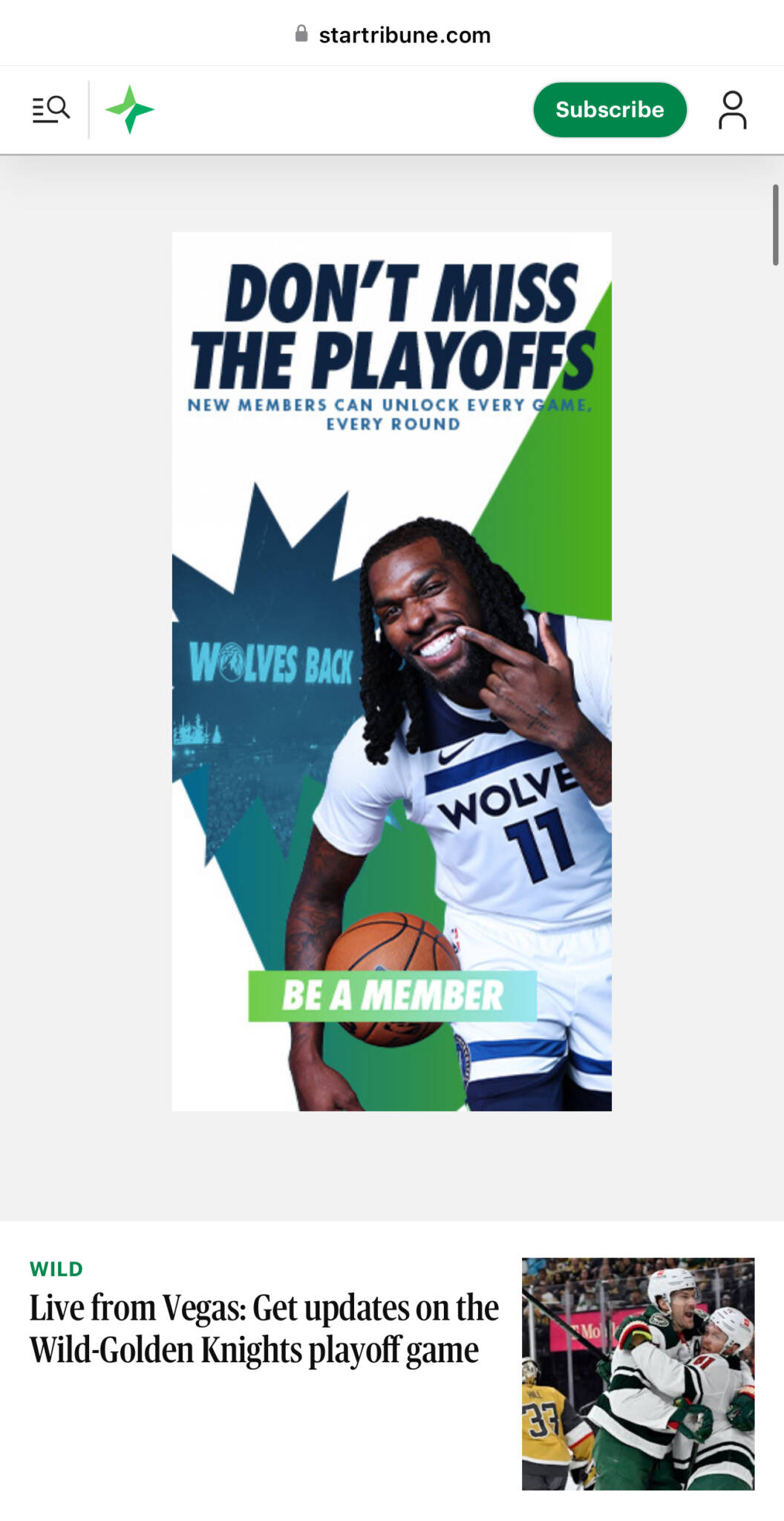
- Dimensions: 300×600
- This is the first ad unit on the mobile homepage
Newsreader App Sponsorship
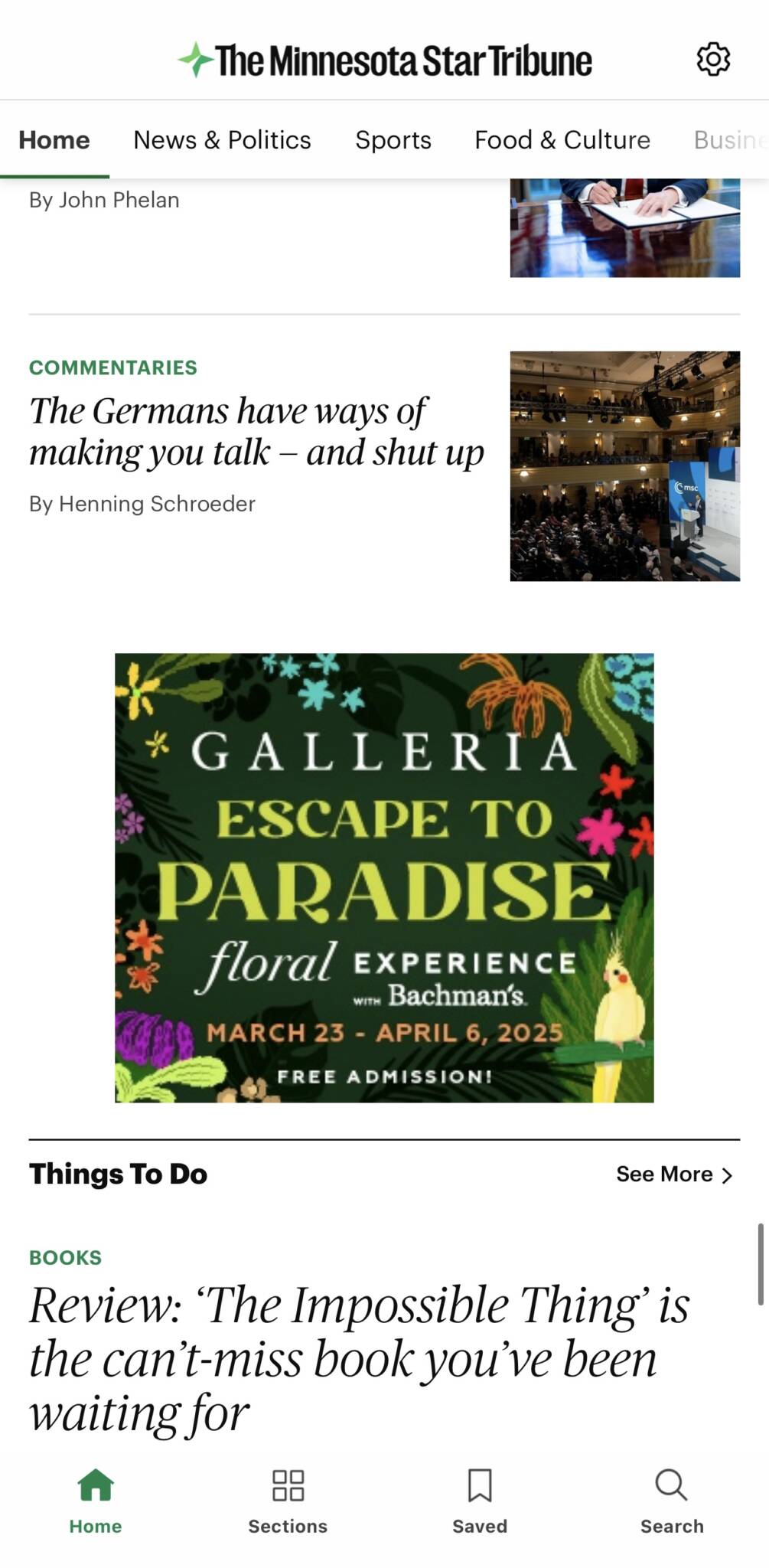
- Dimensions: 300×250 and 728×90
- File Size: 150kb
- File Type: JPG, GIF, PNG, HTML5, or 3rd party ad tag
- Video and rich media not allowed
Newsletter Sponsorship
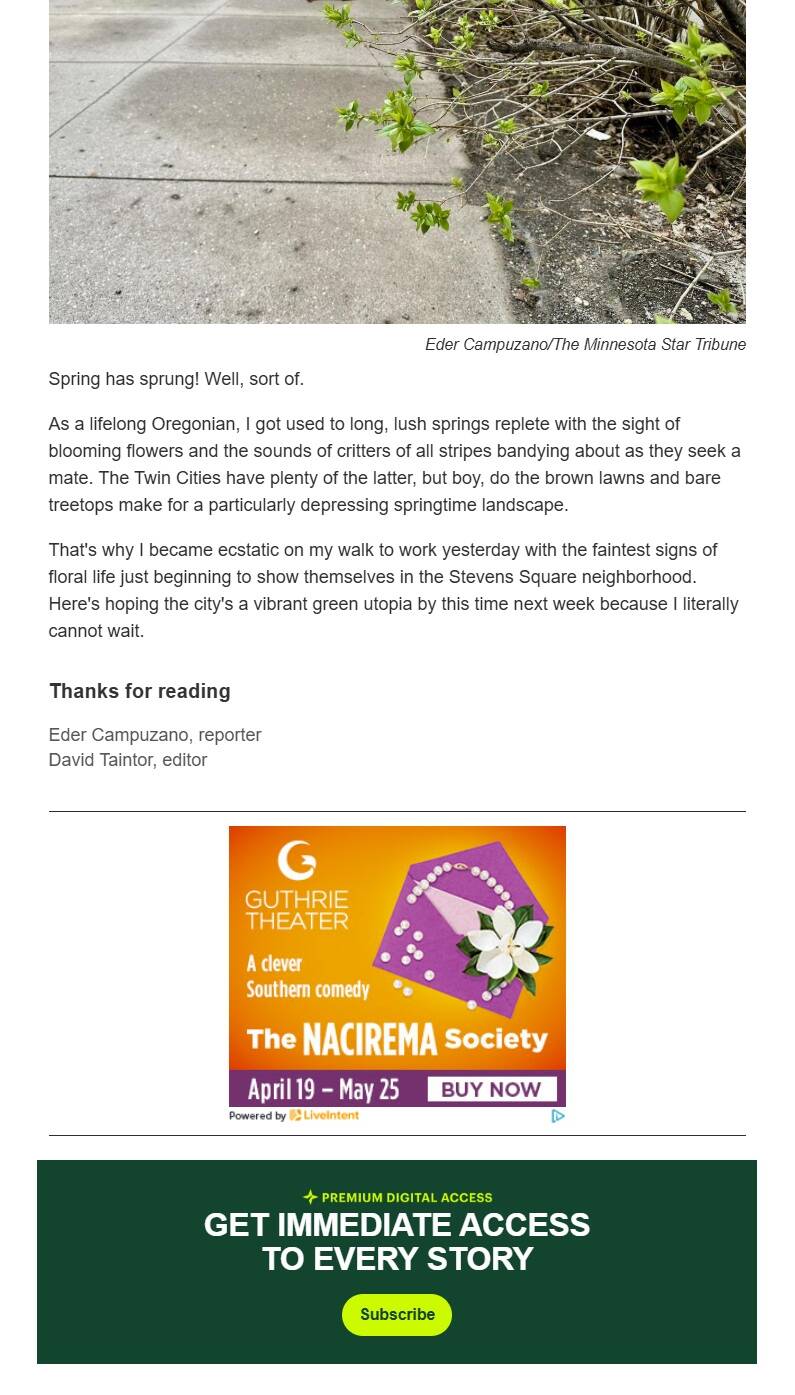
- Dimension: 300×250 and 970×250
- File Size: 150kb
- File Type: JPG, GIF, PNG
- 3rd party impression and click trackers are allowed
FYI Email

- Dimension: 600 wide x 800 (or more) tall
- File Type: HTML
- Frequency: Limit of one send per email list per day
- Subject Line: 60 characters recommended
Programmatic Email

- Link: http://emailcreativeservices.com/
- File Type: HTML
- Width: Emails should be around 650px wide, not exceeding 750px. Emails will be resized automatically for mobile, but designs should be responsive.
- Height: No strict limits, but Outlook distorts images taller than 1728px—so individual images should stay under that height.
- File Size: Total email size (including images and assets) should be around 200 KB to ensure quick load times and better deliverability.
Native Ads
Startribune.com Native Sponsored Content
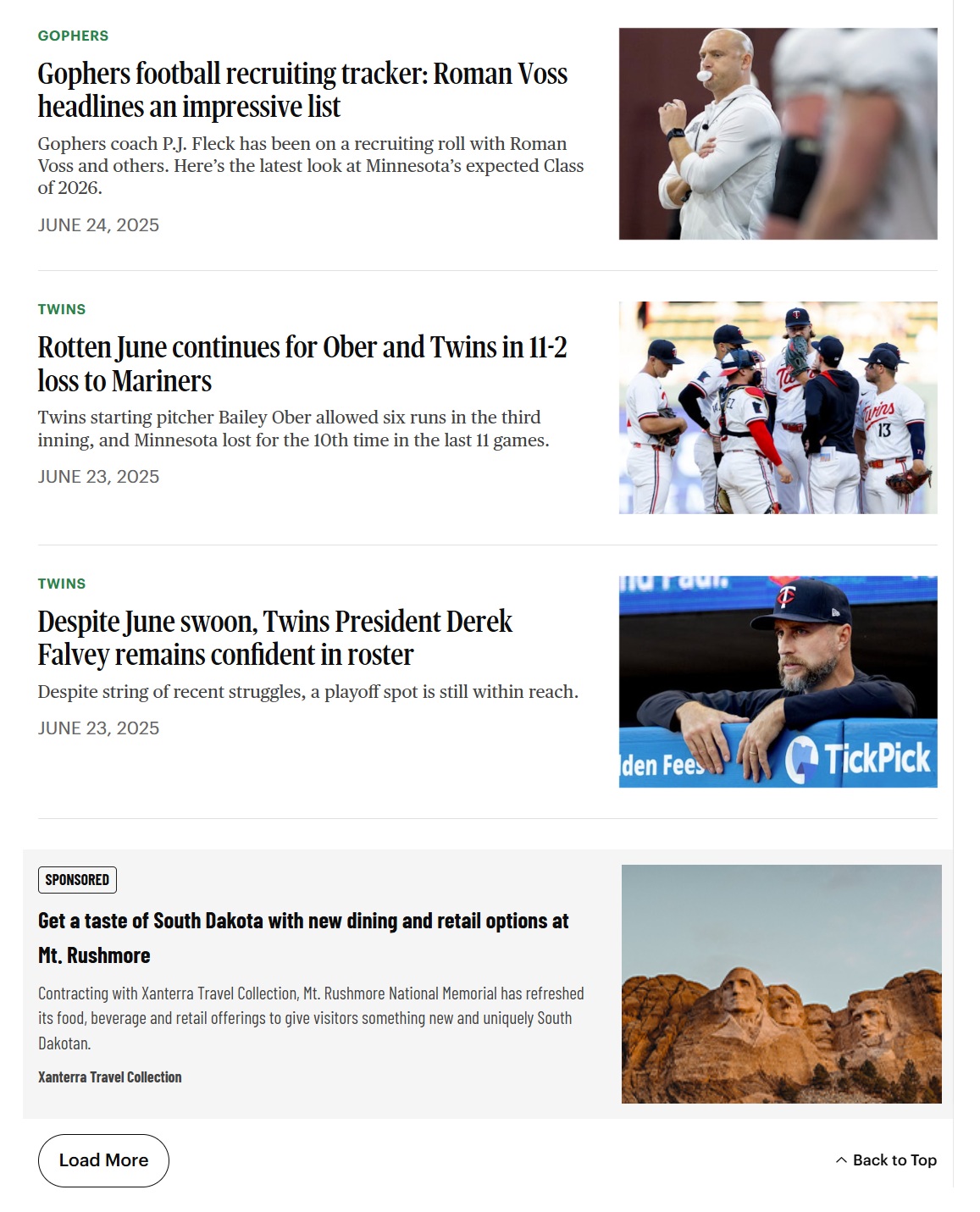
The various Native sponsored content ad units on the site all run off the same meta data. The way they appear on the site depends on where they run. Traditional native ads run on homepage and section fronts and blend into the content. The large format ad appears on section fronts and includes an image.
- Required Variables:
- Short Headline: 35 characters
- Headline: 80 characters
- Excerpt from article: max 300 characters
- Image: 252×168 (less than 1MB)
- Full Article Content (Word Doc Preferred)
- Optional Variables:
- Client Impression Tracker
- Star Tribune Impression Tracker
- Client Click Tracker
- Companion Banners: 300×250, 300×600, and 970×250
- Best Practices:
- Include 2-5 different headlines, excerpts, images
Native Text Links (Responsive Display Ads)
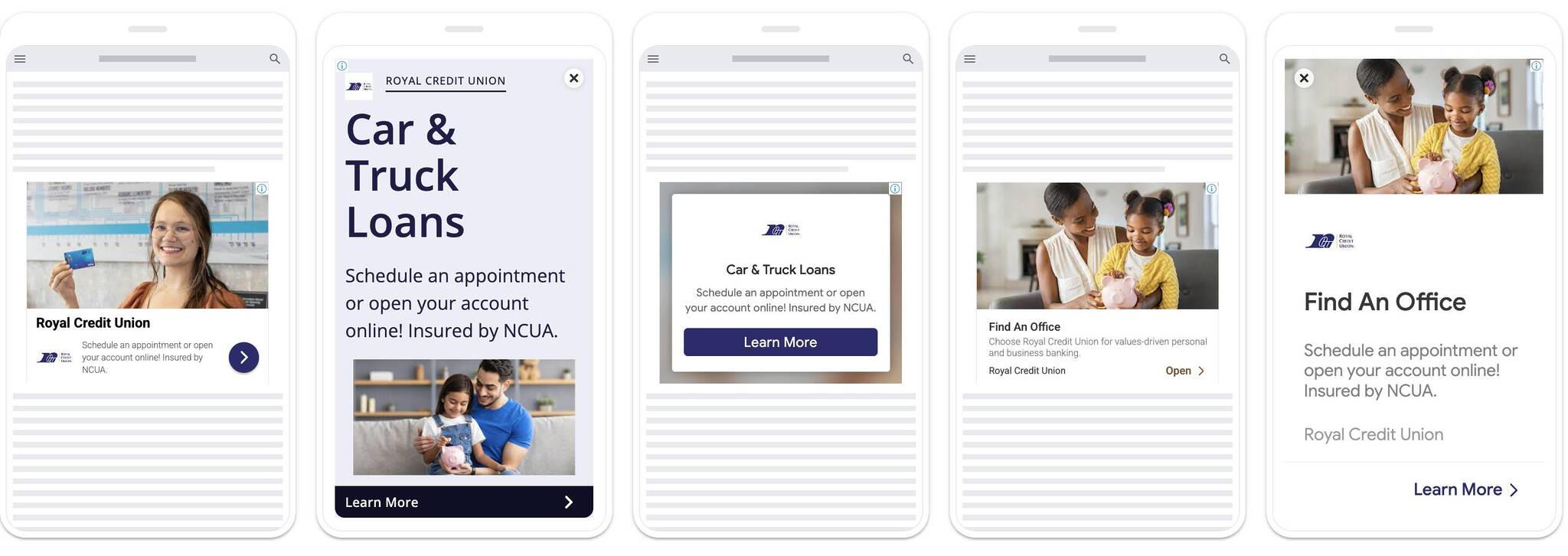
- Google assembles the assets and automatically adjusts their size, appearance, and format to fit just about any available ad space.
- Copy:
- Up to 5 Headlines (30 characters)
- One Long Headline (90 Characters)
- Up to 5 Descriptions (90 characters)
- Images (2 sizes needed, limit of 15 total):
- Landscape: (1.91:1) 1200×628 (min required: 600 × 314)
- Square: (1:1) 1200 × 1200 (min required: 300 × 300)
- Logos (2 sizes needed, limit of 5):
- Landscape: (4:1) Ideal dimensions are 1200 x 300. Minimum dimensions are 512 x 128.
- Square: (1:1) Ideal dimensions are 1200 x 1200. Minimum dimensions are 128 x 128.
- File Size: 5120kb max
Native Programmatic CPC
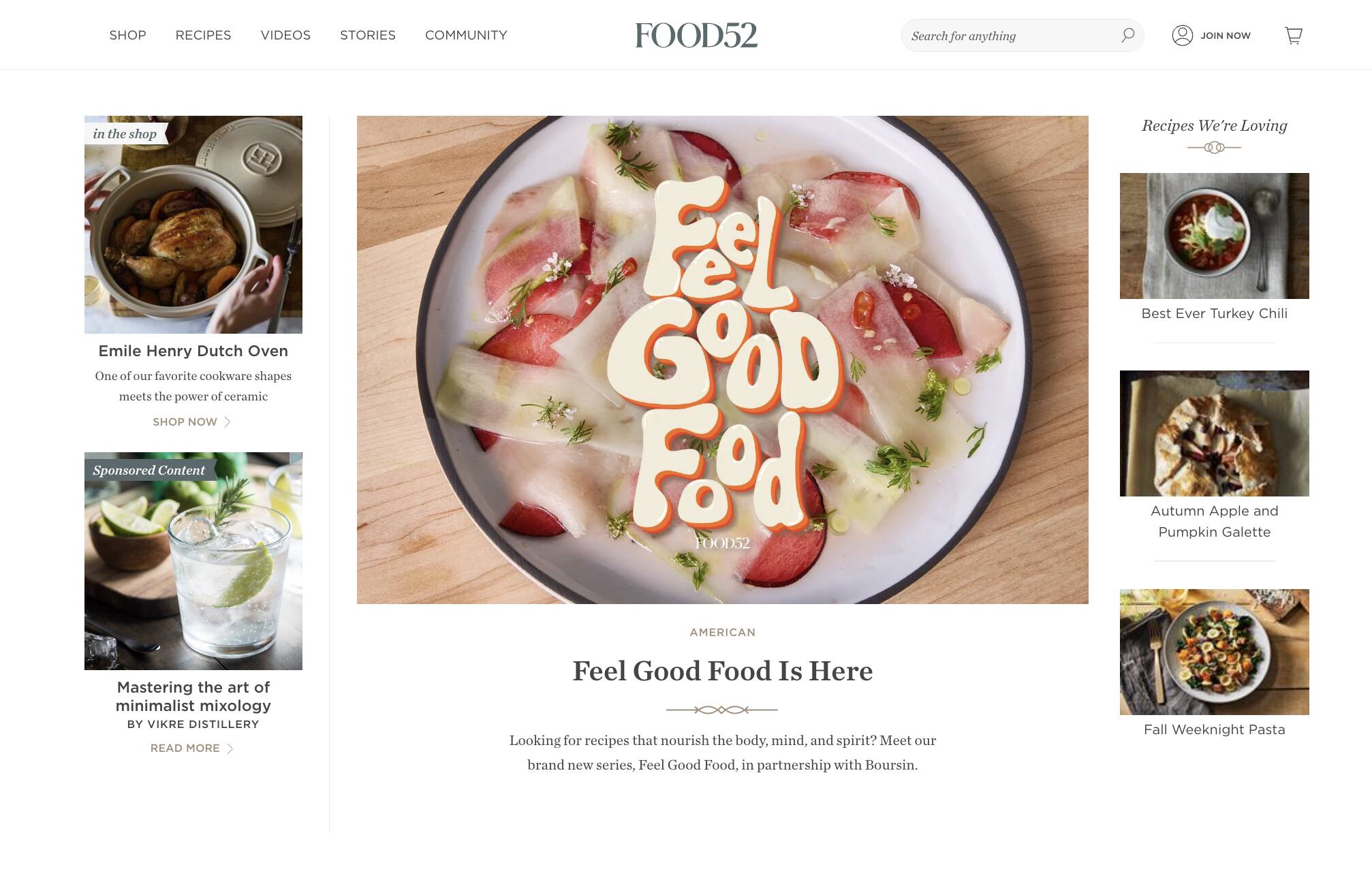
- Content is consumed on publisher’s site, providing a native experience to the user.
- Ad Placement Assets:
- Headline: max 120 characters, up to 15 variations
- Up to 10 Images (JPG or PNG) (800 pixels wide recommended)
- Brand logo (transparent PNG max 150 pixels wide)
- Content Landing Page Assets:
- Up to 5,000 characters max of text
- Up to 10 embedded Images (optional)
- Embedded Video (optional)
- Companion Banners: 300×250, 300×600, 728×90, 320×50 & CTL (3MB / 3072kb max) (optional)
- Brand’s social links for companion social widgets (optional)
Video
Startribune.com Pre-roll
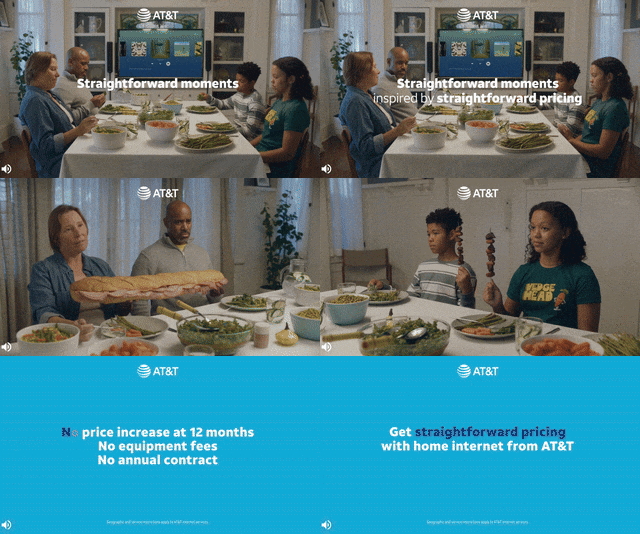
- File Size: 30 MB
- File Type: mp3, mp4, wmv, mov, avi (mp4 preferred)
- Duration: 15 seconds recommended
- Aspect Ratio: 16:9 preferred
- Quality: 1080p preferred
- VAST redirect URLs accepted
Programmatic Pre-Roll

- File Size: 3 MB
- File Type: mp4, wmv, mov, VAST 2.0, VAST 3.0
- Dimensions: Minimum 1024 x 576 pixels recommended
- Duration: 15 or 30 seconds
- Aspect Ratio: 16:9 preferred
- Frame Rate: 15 frames per second, 30 preferred
- Quality: 1080p preferred
OTT/CTV
- Dimensions: 1920x1200px and 1920x1080px
- Length: 15s, 30s, or 60s
- Audio Bitrate: 160 kbps or higher
- Video Bitrate: 5.4 mbps or higher
- Preferred format: mp4 (h.264)
- Max video file size: 200MB Limit
Hulu OTT

- Link: https://hulu.disneyadvertising.com/ad-products/video-commercial/
- Video Tech Specs:
- 1920 x 1080 or 1280 x 720 (16:9)
- Letterboxing on native 1.78:1 (16 × 9) content is not allowed.
- Constant bitrate (CBR) 10–40 Mbps.
- File Formats: Quicktime movie (.MOV), MPEG-4 (.MP4), Apple MPEG-4 (.M4V)
- Max File Weight: 10 GB
- Hulu-served: 250 MB
YouTube

- YouTube Pre-Roll & YouTube TruView
- A link to the YouTube video (posted on advertiser’s YouTube page)
- URL to direct to chosen website
- Headline – 15 characters (optional)
- CTA – 10 characters (optional)
- YouTube TV
- A link to the YouTube video (posted on advertiser’s YouTube page)
Social Media
Facebook & Instagram (Meta)


TikTok

Nextdoor

Audio
Star Tribune Podcast
- Ad Length: 15- or 30-second ads
- File Type: MP3
- Available on StarTribune.com as well as Google Podcasts, Spotify, Apple Podcasts, and most places podcasts are found.
Programmatic Audio

- Optimal Ad Length: 15 seconds or 30 seconds (60 seconds also available, but not recommended)
- Optimal File Type: MP3, .M4A, .WAV
- Optimal Bitrate: 160 kbps or less (we cannot encode third-party files lower than the rate at which they are set)
- Preferred Third-Party File Type: Include both .MP3 and .OGG file types in your tag. While an .OGG file type should not be used for first-party hosted audio, it should be included in your VAST/DAAST tag.
- Optional: Companion Banner
- File Size: 300×250
- File Type: JPEG or PNG